


How to Download YouTube Videos
Save your favorite YouTube videos, Shorts, and MP3 audio in three simple steps — works on any device, completely free.
Open YouTube & Copy Link
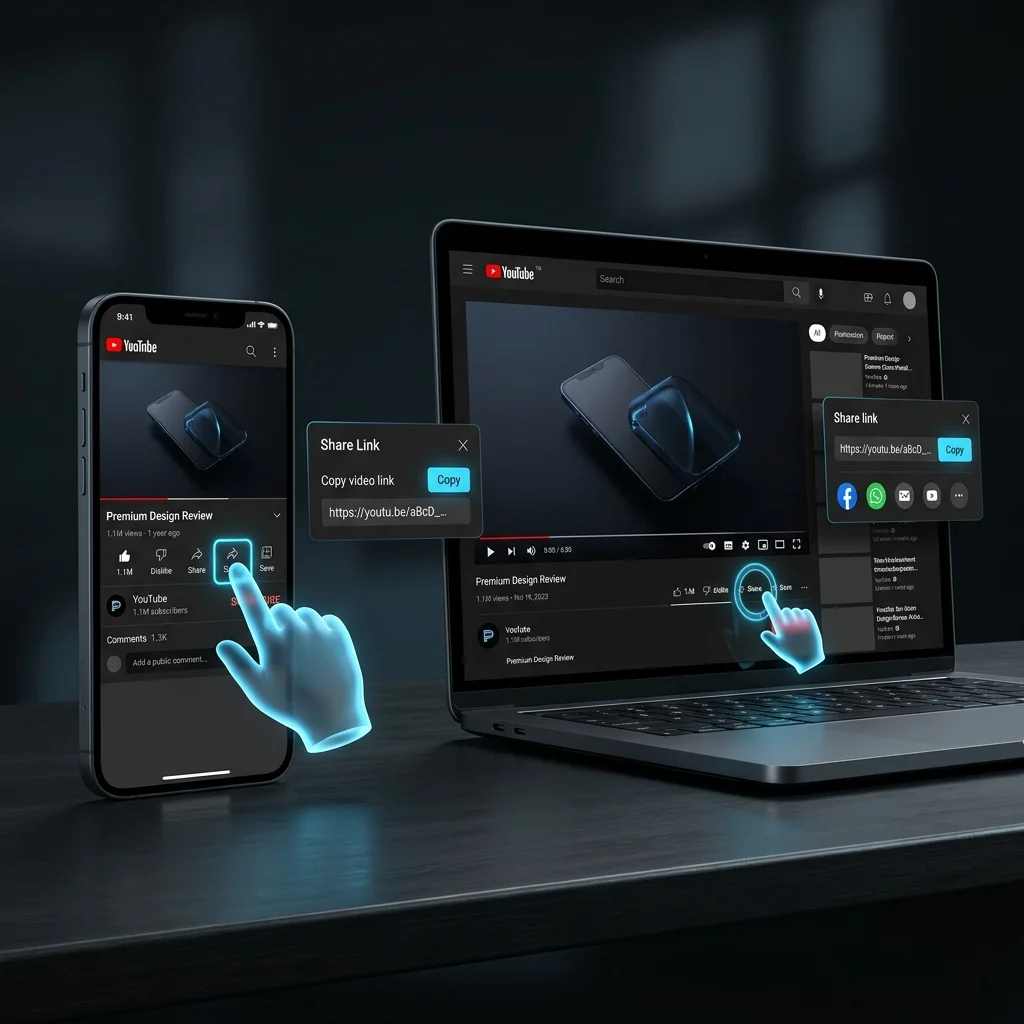
Open YouTube on your mobile or laptop and play any video. Then click the Share button below the video. A link will appear — copy that link and paste it in input box.
Paste & Download
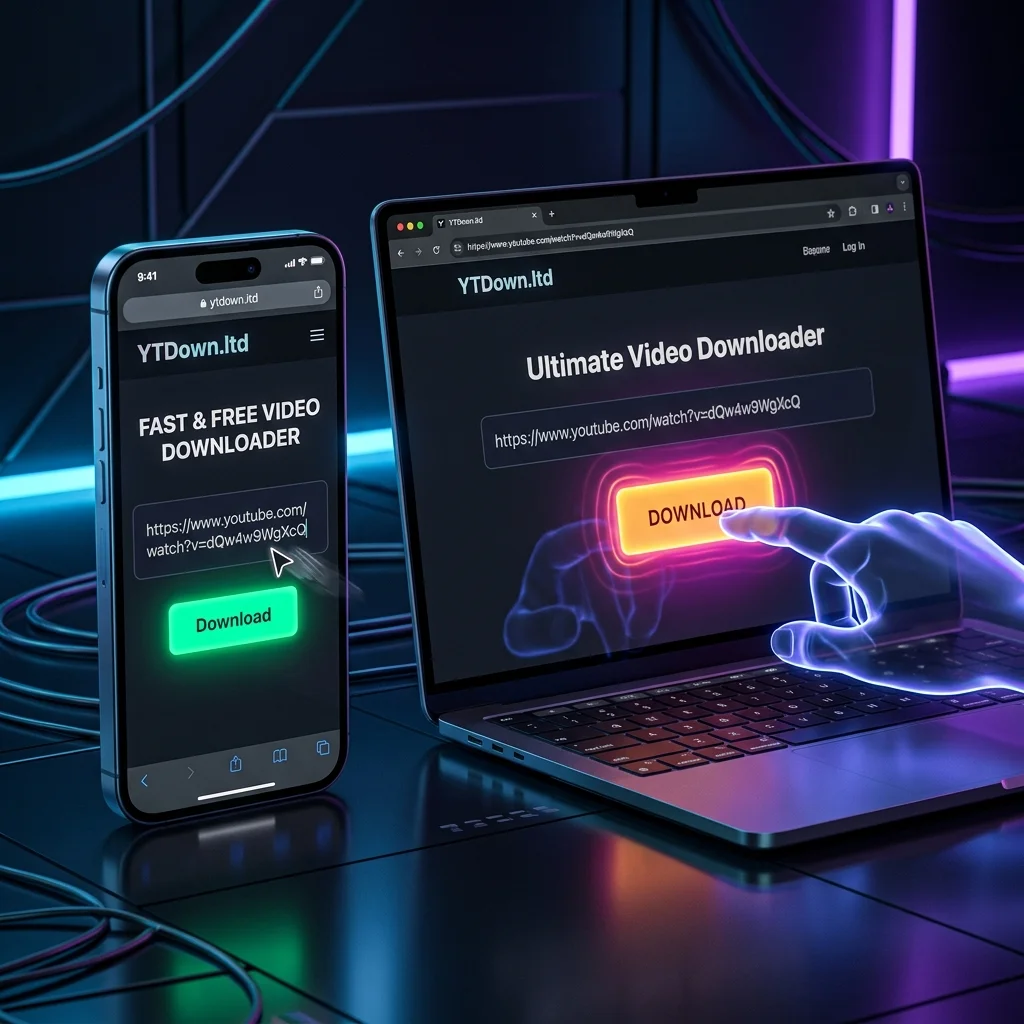
Now come back to ytdown.ltd, paste the YouTube link you copied into the box here, and click the Download button
Choose Format & Save
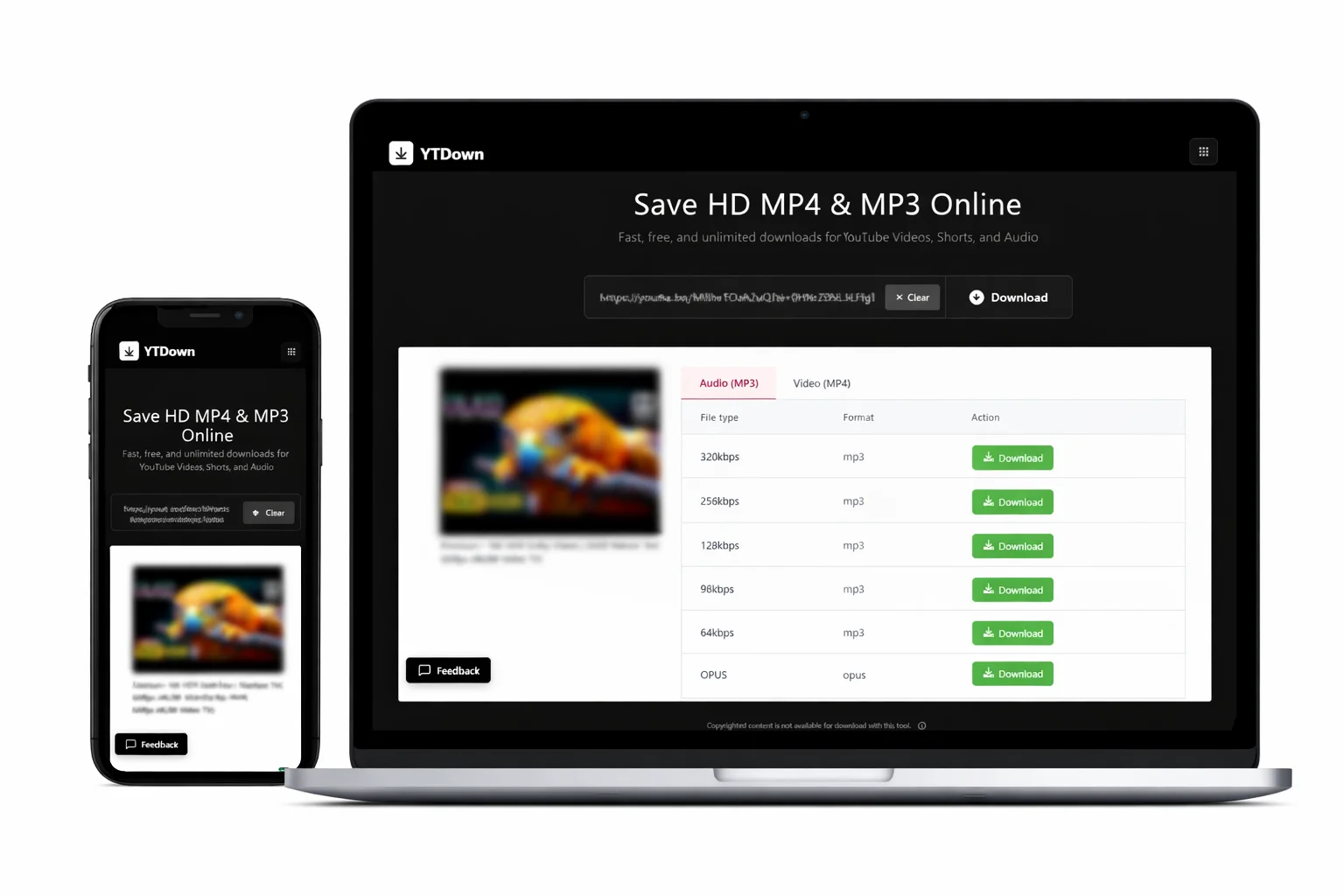
After clicking the Download button, you will see a table with different file options for MP3 Audio and MP4 Video. Our tool is fully optimized for all mobile and desktop browsers, allowing you to save files in high quality on any device.
More from YTDown
Why YTDown is the Best YouTube Video Downloader
Free · Fast · Works on all devices · No registration
Download YouTube Videos in 4K & 8K
Download in 360p, 480p, 720p, 1080p, 4K or 8K — all qualities supported.
Fast YT to MP3 Converter
Extract high-quality MP3 audio up to 320kbps from any YouTube video.
100% Free
No subscription, no hidden fees, no daily limits. Free forever.
Lightning Fast
Most videos ready in 5-15 seconds. Cached videos download instantly.
Safe & Private
No malware, no tracking. Secure downloads, your privacy protected.
Download YouTube Shorts on Mobile & PC
Works on iPhone, Android, iPad, PC & Mac. No app installation needed.
Unlimited Downloads
No caps, no limits. Download as many YouTube videos as you want.
No Registration
Zero sign-up required. Paste URL and download — it's that simple.